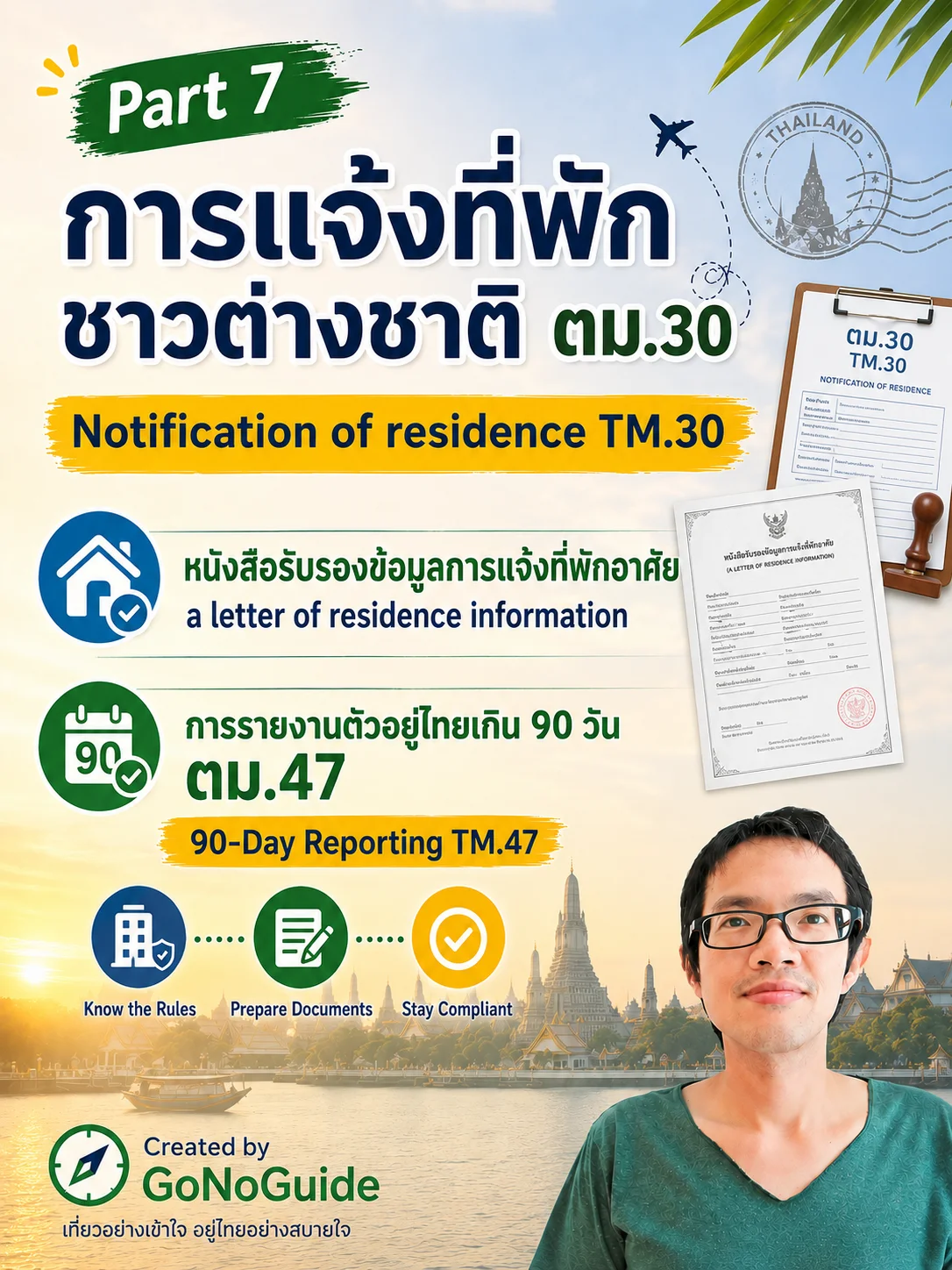
Part 7 วิธีแจ้งตม.30 (TM30), Letter of residence information, TM47
💼 สิ่งที่จะได้รับในชุดนี้ (In the Package)
📑1 PDF Files + 🎬 3 Video Links
🌐 ไทย-Eng
---------------------------------
📂Part 7
-
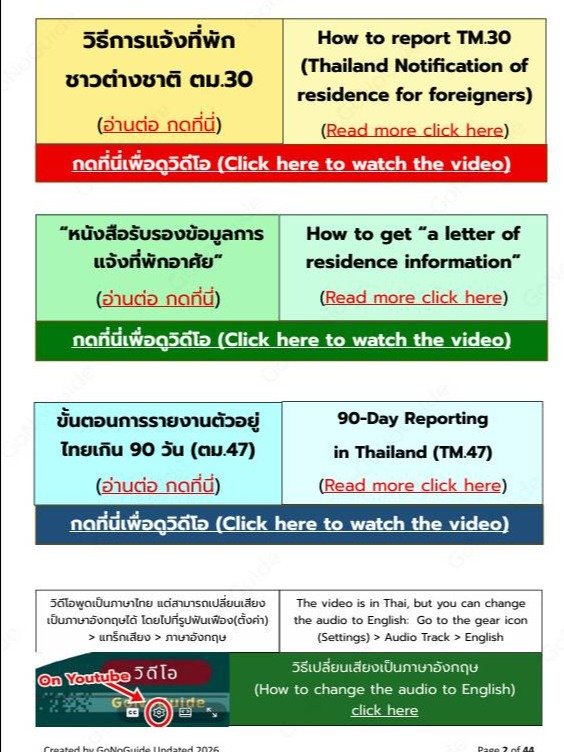
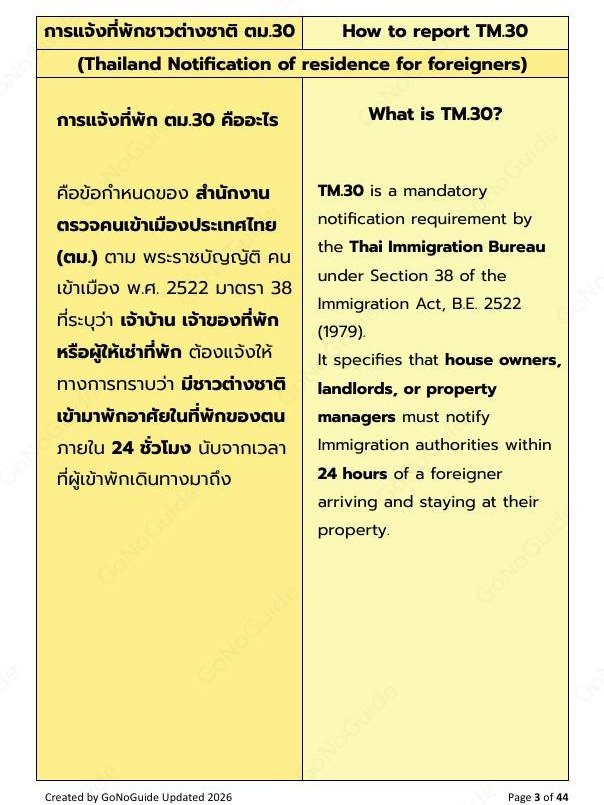
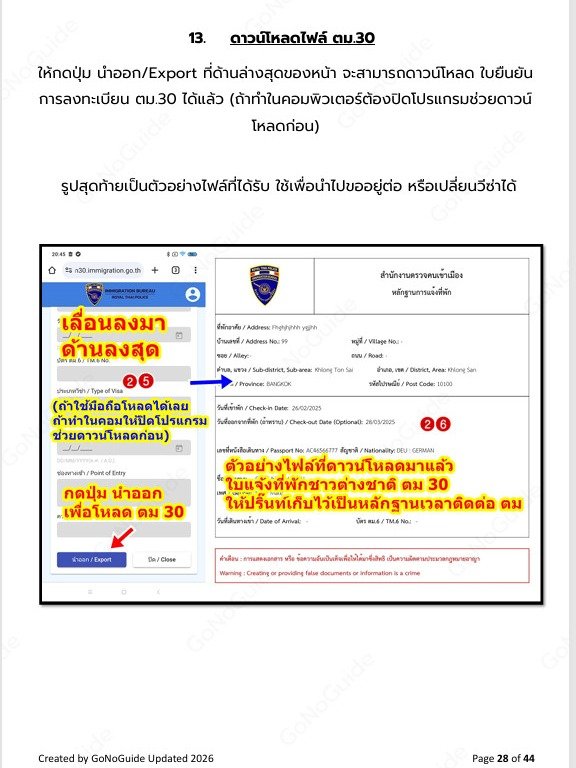
การแจ้งที่พักชาวต่างชาติ ตม.30 ออนไลน์
(TM.30 - Thailand Notification of residence for foreigners)
-
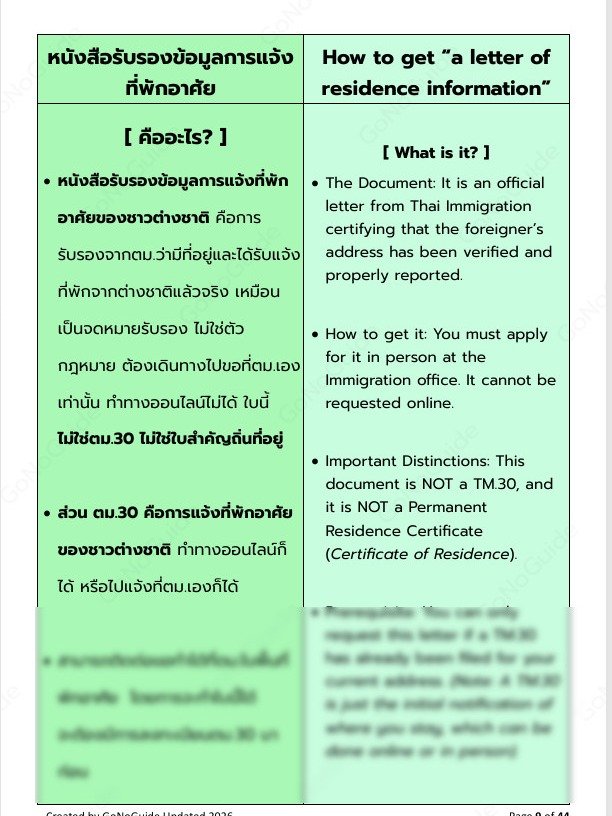
การขอ “หนังสือรับรองข้อมูลการแจ้งที่พักอาศัย”
(How to get “a letter of residence information”)
-
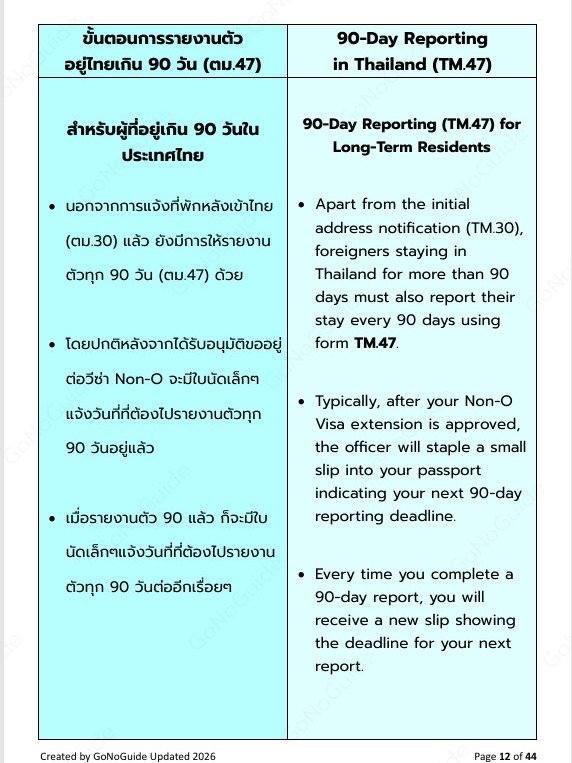
การรายงานตัวอยู่ไทยเกิน 90 วัน (ตม.47)
90-Day Reporting in Thailand (TM.47)
-------------
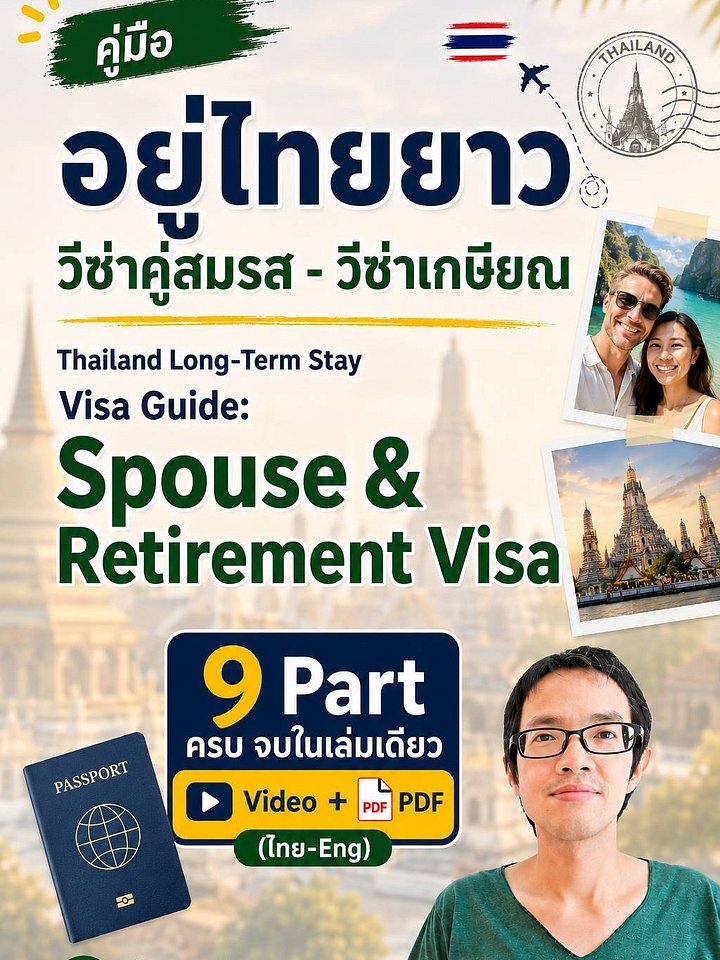
แพ็กเกจนี้เป็น part 7 ของแพ็กเกจเต็มที่มี 9 part
หากต้องการแพ็กเกจฉบับเต็ม ซื้อได้ที่ คู่มืออยู่ไทยยาว
(This package is part 7 of the full package, which consists of 9 parts.
If you’d like the complete version, you can purchase it at Thailand Long-Term Stay Visa Guide:)
---------------------------------
ทำไมต้องแจ้ง?
ต้องใช้เอกสาร ตม.30 ในการยื่นขออยู่ต่อด้วย หากไม่มีจะโดนปรับ
(You must submit the TM.30 form when applying for an extension of stay. Failure to do so may result in a fine.)
------------------
- หลังชำระเงิน จะได้รับเป็นไฟล์ pdf ให้ดาวน์โหลดทางอีเมล
ภายในไฟล์ pdf จะมี- คำอธิบายภาษาไทย และภาษาอังกฤษ
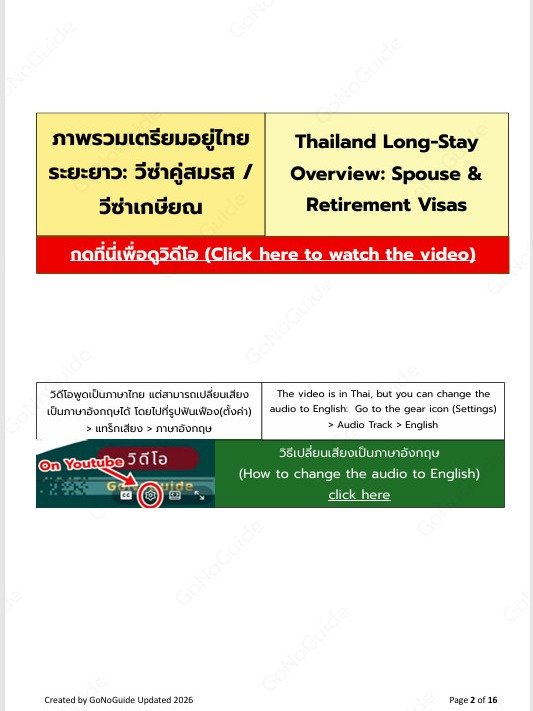
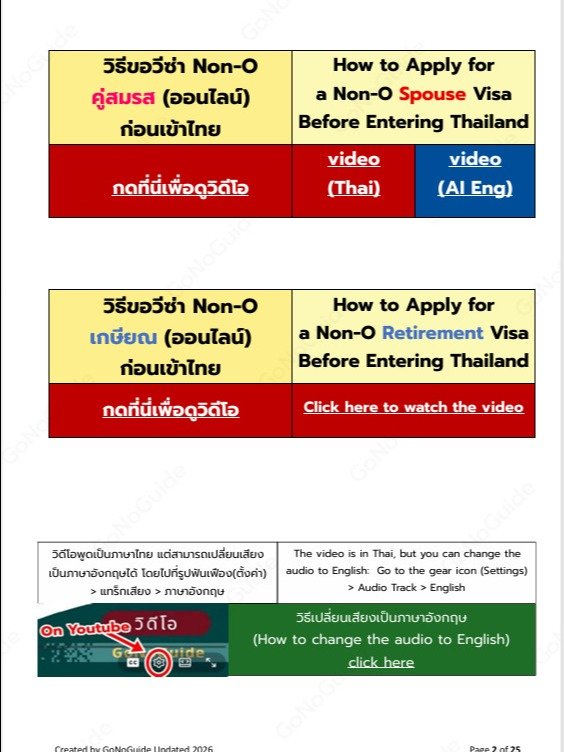
- ลิงค์วิดีโอทำขึ้นเฉพาะผู้ซื้อ ไม่ใช่วิดีโอสาธารณะ เสียงวิดีโอภาษาไทย แต่สามารถเปลี่ยนเป็นพากษ์เสียงภาษาอังกฤษได้
-
(After payment, you’ll receive a PDF file via email for download.
Inside the PDF, you’ll find detailed explanations in both Thai and English.) - (A private video link (exclusive to buyers) is also included — it’s not a public video. The video is in Thai, but you can switch to English narration if preferred.)
---------------------------------
💳 วิธีซื้อแพ็กเกจ (How to Buy)
🔸 ซื้อผ่านระบบอัตโนมัติ (Purchase via the automatic system)
- คลิก Add to Cart (Click Add to Cart)
- กด Checkout (Proceed to Checkout)
- กรอกอีเมลที่ถูกต้อง (Enter a valid email address)
- เลือกประเทศ Thailand (Select Thailand as your country)
- ชำระเงินออนไลน์ (Complete the online payment)
ระบบจะส่งลิงก์ดาวน์โหลดไฟล์ให้อัตโนมัติทันที
(Once the payment is confirmed, the system will automatically send you the download link.)
---------------------------
🔸 ซื้อผ่านแอดมิน (โอนเงิน) [Purchase via admin (bank transfer)]
- เข้าเว็บ (go to) gonoguide.com/support/
- ติดต่อแอดมินผ่าน LINE (contact via LINE app)
---------------------------
ข้อแนะนำและขอบเขตข้อมูล: เนื้อหาในเล่มนี้สรุปจากเว็บไซต์ทางการ ประสบการณ์ตรง และเคสจริงที่ผู้จัดทำได้ช่วยประสานงาน
ผู้จัดทำไม่ใช่เจ้าหน้าที่รัฐหรือหน่วยงานตรวจคนเข้าเมือง
เนื่องจากกฎระเบียบอาจมีการเปลี่ยนแปลงได้ตลอดเวลา
ผู้อ่านควรตรวจสอบข้อมูลล่าสุดจากทางการอีกครั้ง ทางผู้จัดทำขอสงวนสิทธิ์ไม่รับผิดชอบต่อผลกระทบใดๆ จากการนำข้อมูลไปใช้ในทุกกรณี
Disclaimer: The content in this eBook is summarized from official websites, personal experiences, and real cases we have assisted with. The author is not a government official or an immigration agent.
Since rules and regulations are subject to change at any time, readers are highly advised to verify the latest information with official sources before travelling. The author shall not be held liable for any outcomes or consequences resulting from the use of this information.